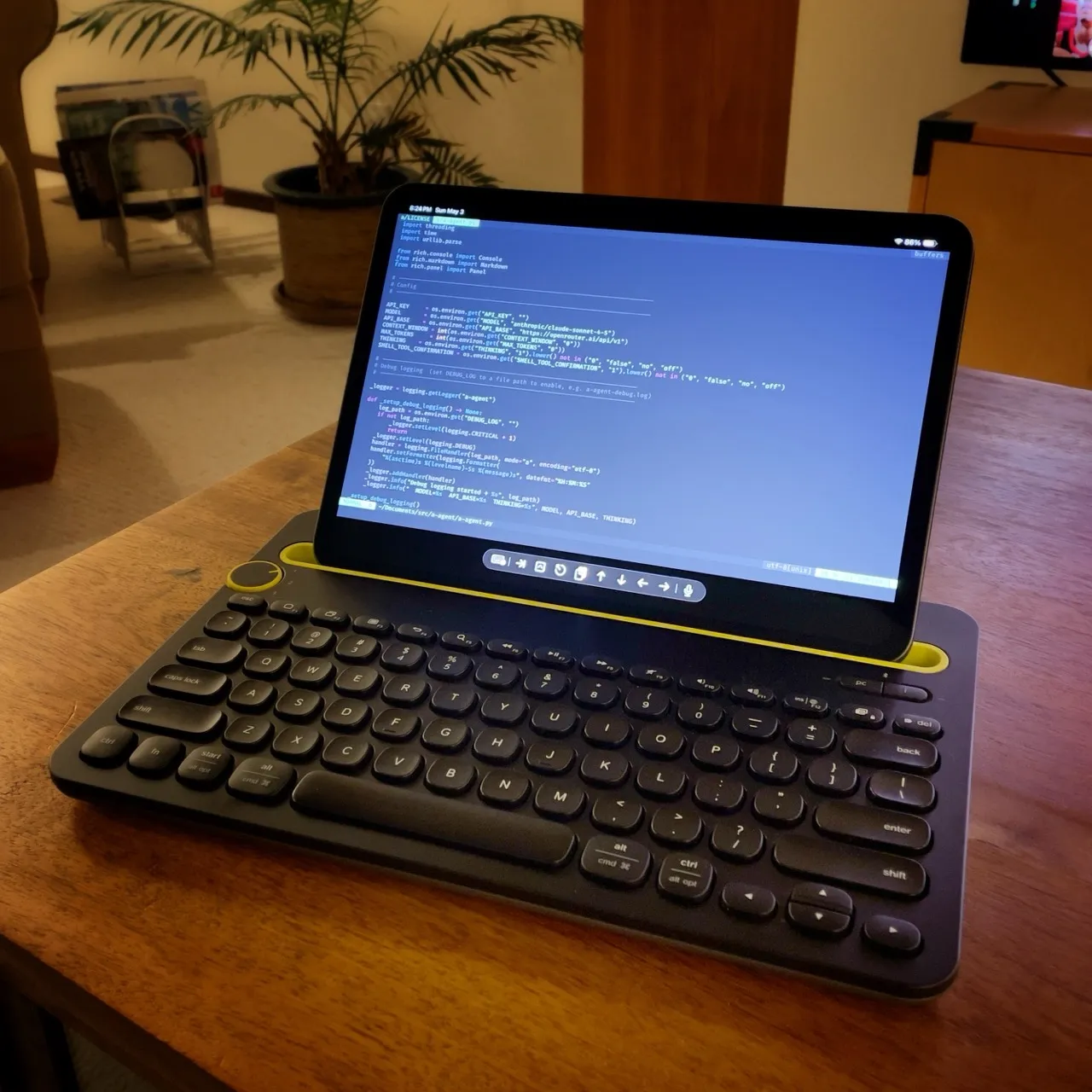
iPad as a "Laptop" with Logitech K480
I never use a keyboard case with my iPad, as it seems to completely negate the purpose of the device. If I wanted a device with a permanently attached keyboard, I would use a MacBook. iPad keyboard cases make the iPad too bulky, heavy, and ungainly for what to me is high-convenience device. Besides, for note-taking and sketching, I use the Apple Pencil.
That said, I do indeed use a keyboard with the iPad periodically. My handwriting is too sloppy and slow to write emails and blog posts with the Apple Pencil. And forget using an SSH Terminal or coding. So I always have a lightweight bluetooth keyboard in my sling bag for use at coffee shops, travels, etc. But I never use that keyboard at home because I rarely need to. In addition to my “real” computers, I have an extra desk with a keyboard, mouse, and external monitor that I can plug into the iPad when needed via a single USB-C cable.
Sometimes, however, I want to use a keyboard with my iPad while sitting on the sofa, usually when watching a game on TV. And there’s no way to comfortably balance an 11” iPad in your lap, let alone an iPad with a separate bluetooth keyboard.
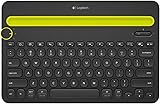
So I dug around in “the box of old computer stuff” and found an abandoned experiment: a Logitech K480 bluetooth keyboard. I bought this $29 board a few years ago thinking, based on its picture, that it would be an ideal iPad keyboard for travel. But when it arrived, I couldn’t help but laugh at the size. It’s a chonker, way bigger than the iPad itself, and on the heavier side too. Not at all what I hoped would fit in the daily sling bag. Into “the box” it went.
But looking at it now, that bulk makes it a perfect size for resting in my lap. And the integrated tablet slot with the extra keyboard heft balances my 11” iPad perfectly. With a simple, easy-to-find power switch on the bottom, I can slip the iPad in the slot, power on the board, and… that’s it. I have a keyboard-enabled iPad sitting in my lap.
- How does the board sound? Meh, like a dull plastic box with a springy space bar. No big deal.
- How does it type? Acceptable. It’s a just a membrane board, so you won’t get the responsiveness like anything mechanical. Interestingly, it has large full-throw keys with slightly spherical alphanumeric tops, and rounded tops on the other keys. You’ll get used to it after 15 minutes.
- What about mouse or trackpad? None, just use your monkey fingers on the iPad screen, it works well enough.
- Battery life? It takes regular AAA batteries, and they last forever. Just remember to manually turn it off.
- Any concerns? The iPad bluetooth settings panel shows a warning that the K480 could interfere with bluetooth and Wi-Fi. Might be that I have a model with older firmware. Either way, I haven’t seen any issues.
For $29, this is a handy “I don’t care” keyboard that I can leave on the coffee table, and convert my iPad to a “laptop” whenever I want.